# 如何设置偏好

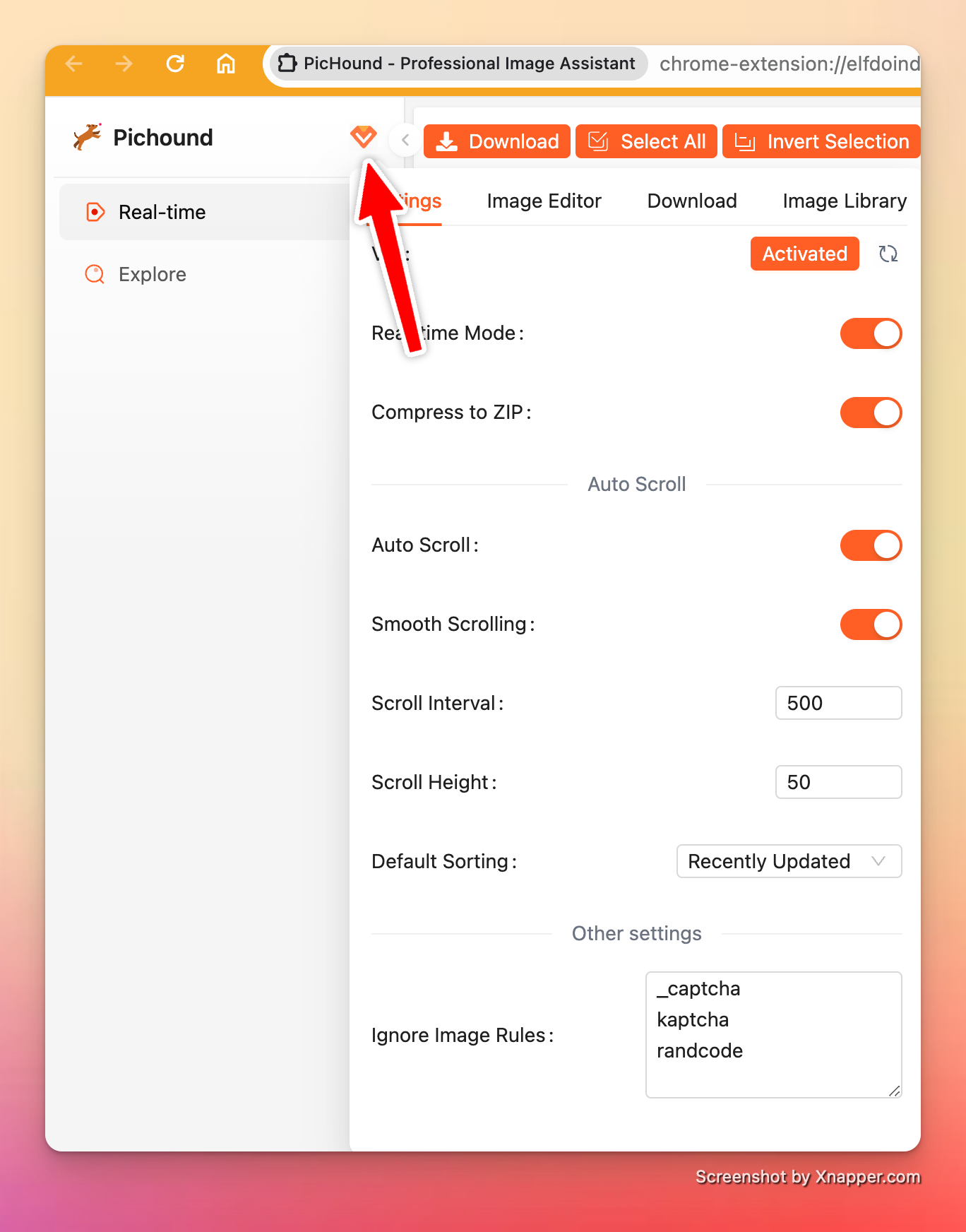
插件支持自定义配置，下面进行介绍：

### 偏好位置

{% tabs %}
{% tab title="侧边栏" %}
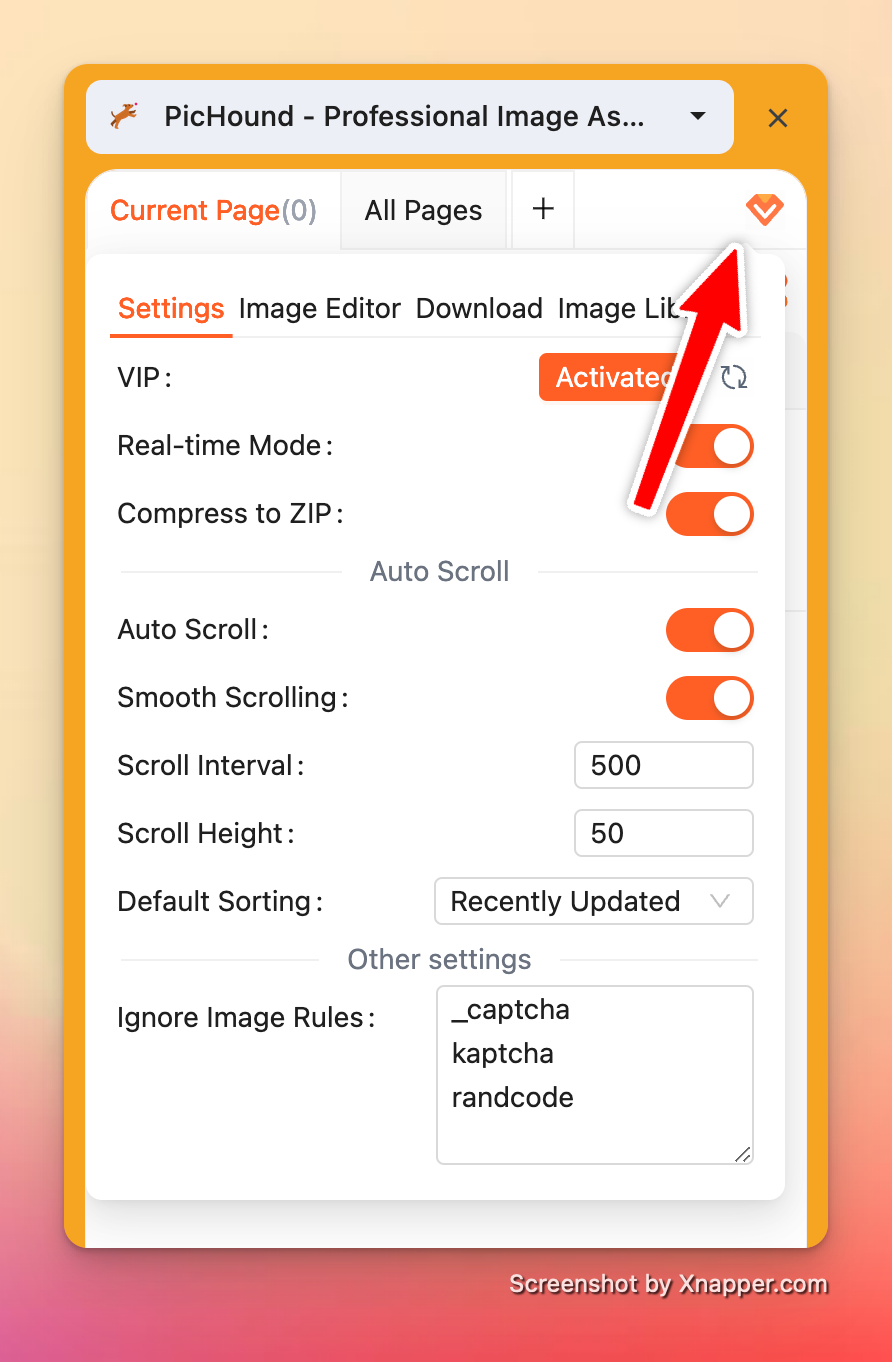
<div align="left"><figure><img src="/files/RNMh8j3p6cUAqgEfDYmU" alt="" width="375"><figcaption></figcaption></figure></div>
{% endtab %}

{% tab title="下载页" %}

<figure><img src="/files/pPdNYRBWVSGMVmEkoB0Z" alt=""><figcaption></figcaption></figure>
{% endtab %}
{% endtabs %}

### 偏好功能

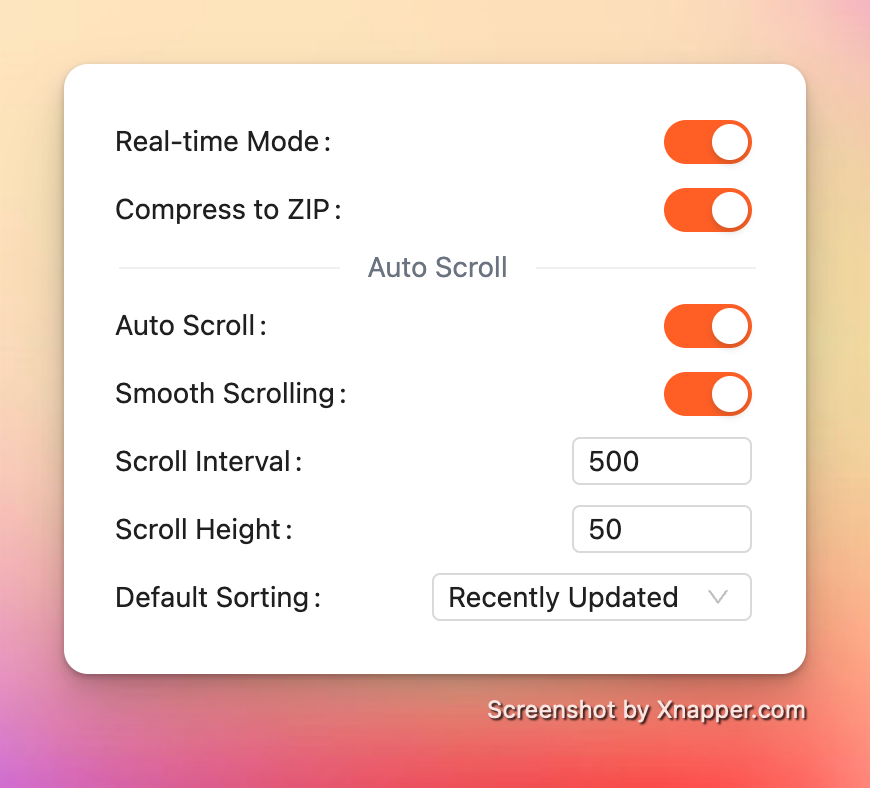
#### 基础设置

<div align="left"><figure><img src="/files/tfnqrRRwzWA71M4wavTI" alt="" width="375"><figcaption></figcaption></figure></div>

* 支持实时模式
* 批量下载压缩为ZIP包
* 自动滚动页面
  * 滚动间隔
  * 滚动高度
* 图片的默认排序
  * 最近创建
  * 最近更新
  * 图片大小递增
  * 图片大小递减

#### 图片编辑器设置

<div align="left"><figure><img src="/files/vUltUqhXoZDOq2kR3y3Y" alt="" width="375"><figcaption></figcaption></figure></div>

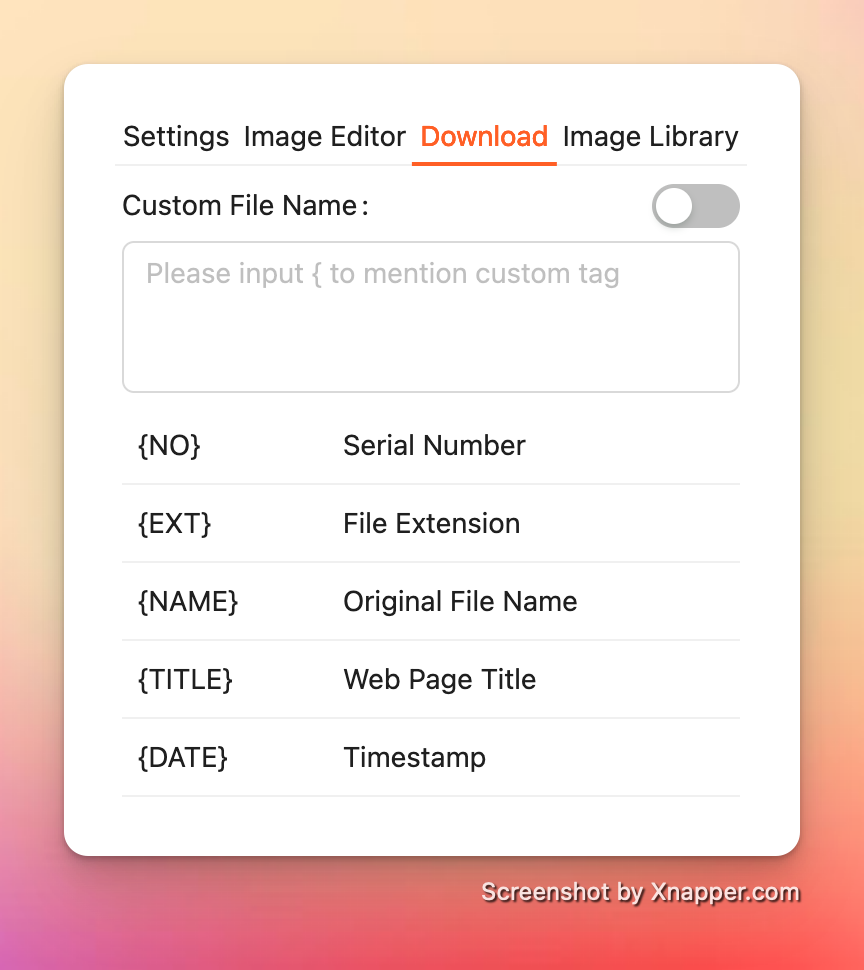
#### 下载设置

<div align="left"><figure><img src="/files/ox1YrejHzAAxJk6mcXMv" alt="" width="375"><figcaption></figcaption></figure></div>

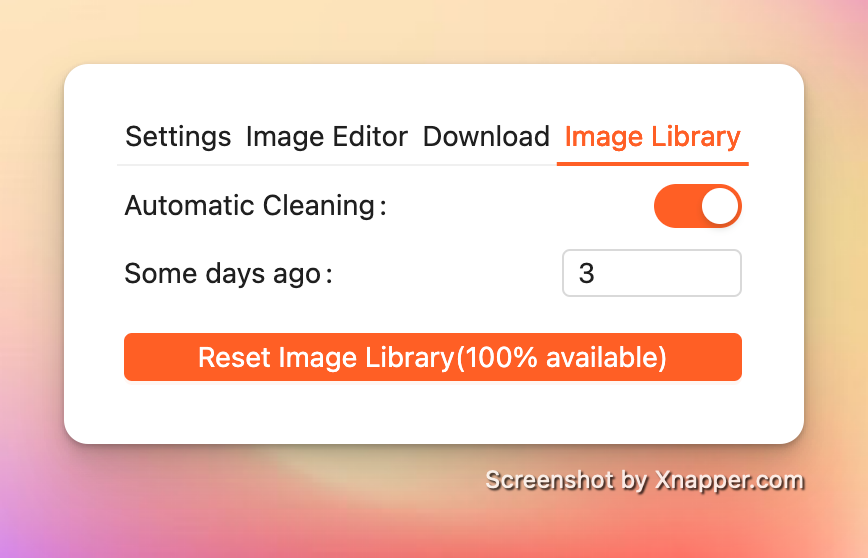
#### 图片库设置

<div align="left"><figure><img src="/files/FrbDDaHJCpqCzhWT2dKW" alt="" width="375"><figcaption></figcaption></figure></div>


---

# Agent Instructions: Querying This Documentation

If you need additional information that is not directly available in this page, you can query the documentation dynamically by asking a question.

Perform an HTTP GET request on the current page URL with the `ask` query parameter:

```
GET https://help.pichound.app/zh/chang-jing-ji-qiao/ru-he-she-zhi-pian-hao.md?ask=<question>
```

The question should be specific, self-contained, and written in natural language.
The response will contain a direct answer to the question and relevant excerpts and sources from the documentation.

Use this mechanism when the answer is not explicitly present in the current page, you need clarification or additional context, or you want to retrieve related documentation sections.